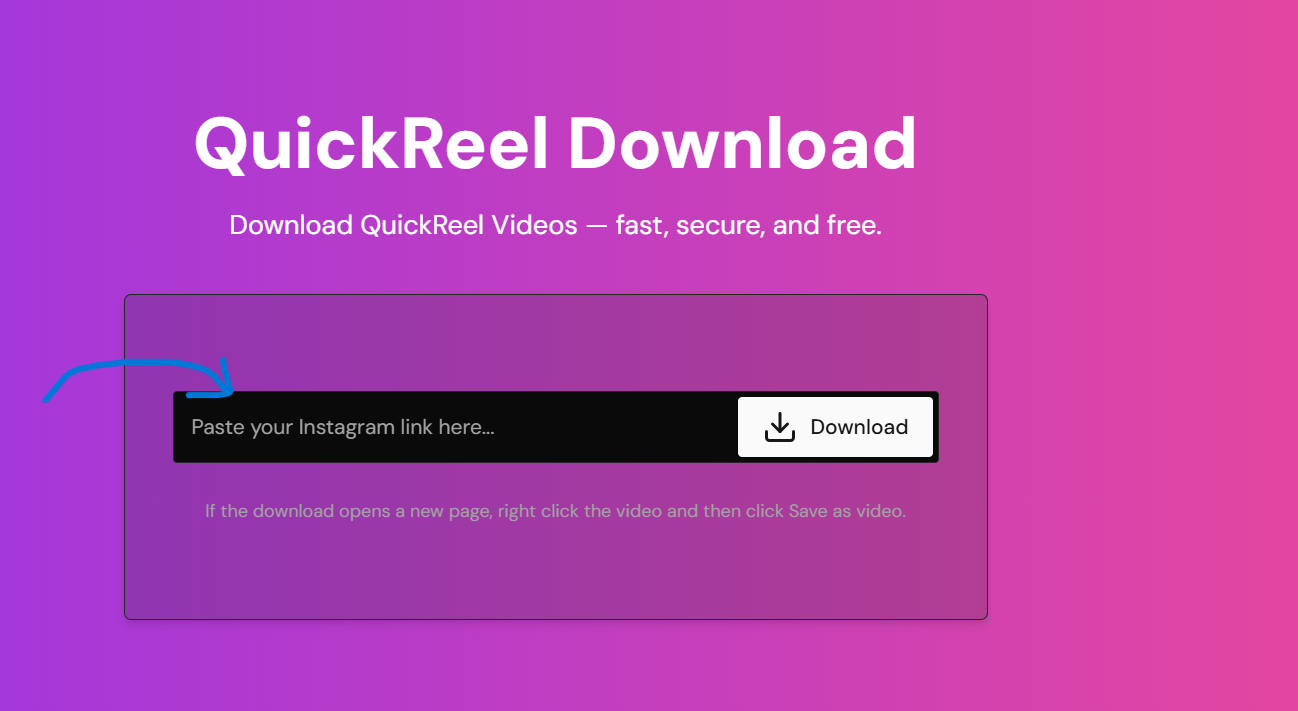
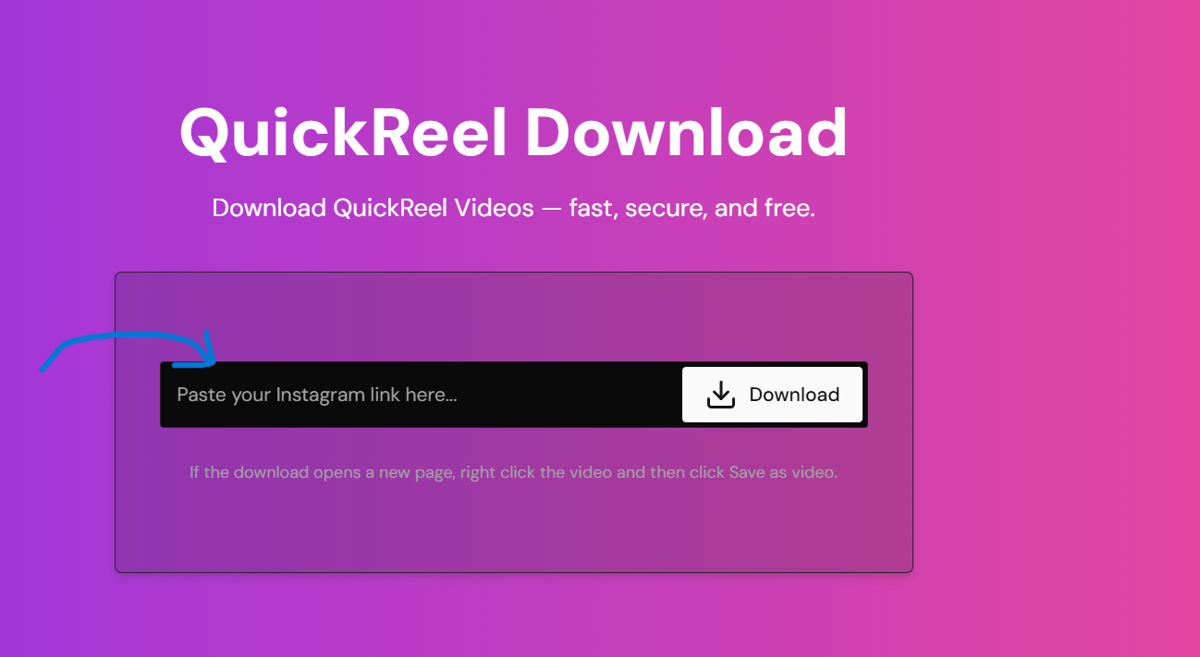
QuickReel Download

Download QuickReel Videos — fast, secure, and free.

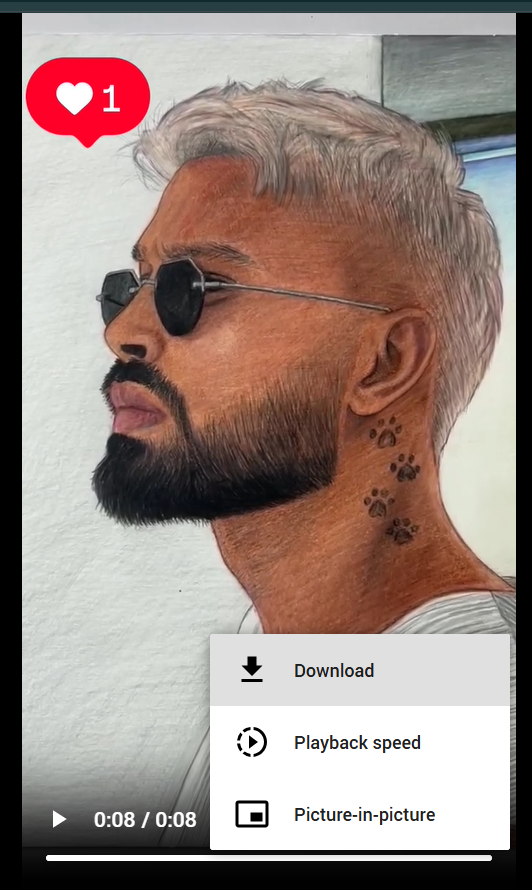
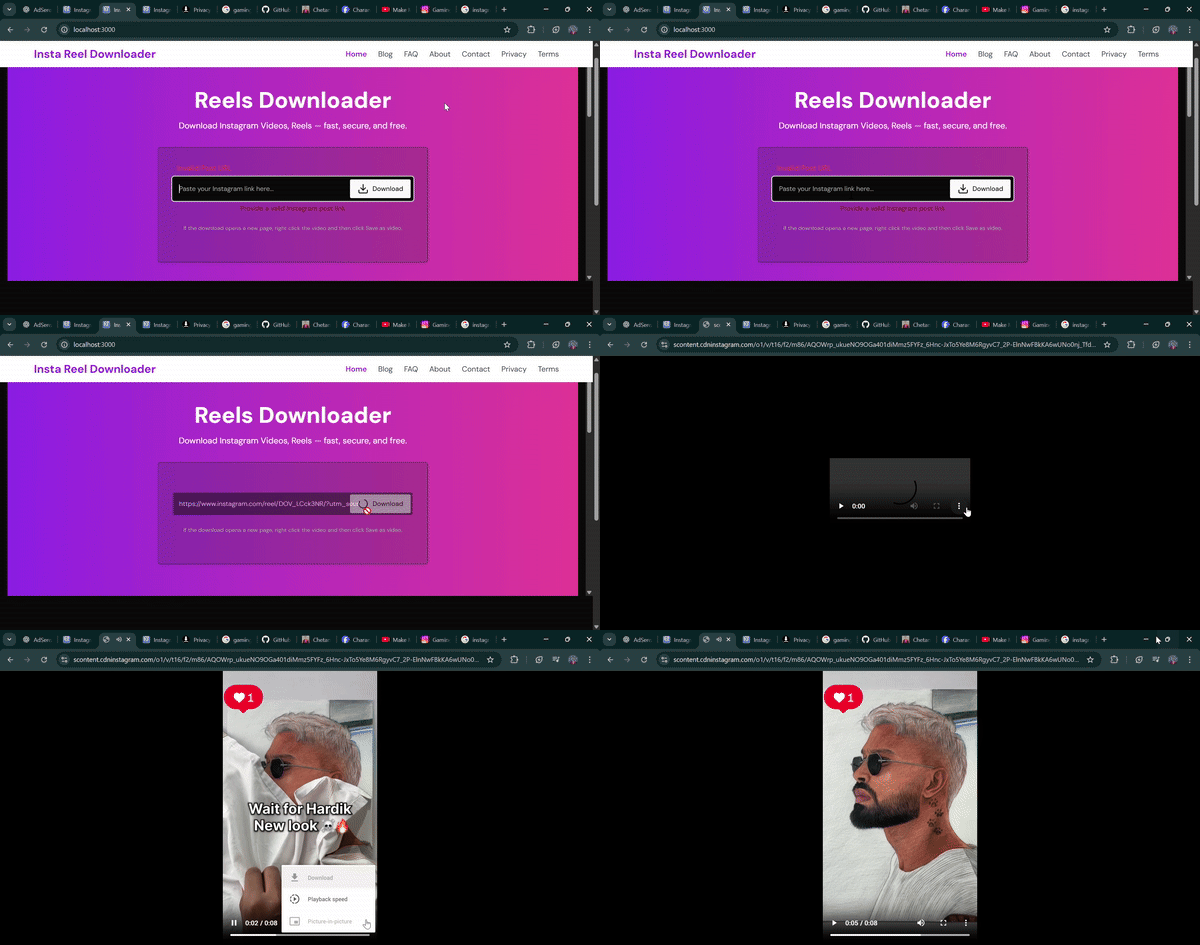
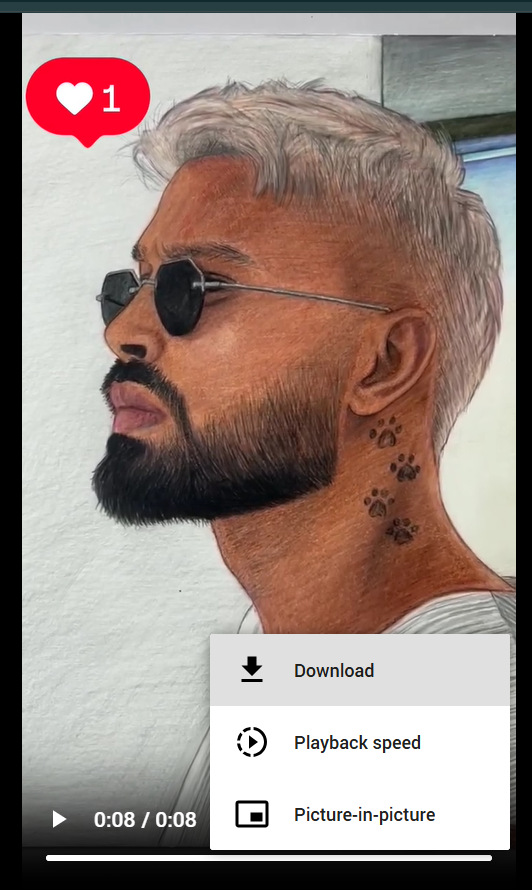
If the download opens a new page, right click the video and then click Save as video.

How to Download Reels?

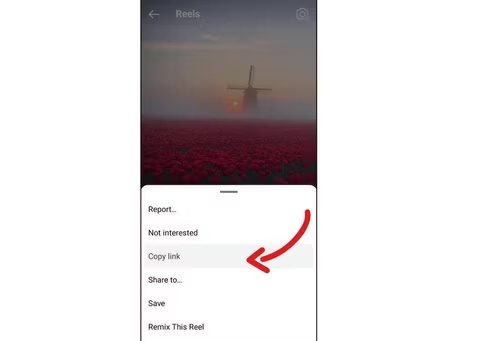
Copy Instagram Link

Copy Instagram Link

Open Instagram, choose the Reel, Post, or Video you want, and copy its link and Paste here.

Paste the Link

Paste the Link

After Paste the copied link into our input box above they will redirect to video and then download.

Click Download

Click Download

Full Guide Step By Step Download Your Reel in Simple Steps.

Quick Reel Downloader

An online free and fast tool to download Instagram Reels videos or save them to your device.

You can save any Instagram Reels videos to your phone or computer and view them offline anytime.

Here’s a quick and easy way to do it:

Steps to Download Reels From Instagram

  1. Choose the Reels video that you want to download.

  2. Copy URL/Link of the video.
    Download Reels Video

  3. Open website: Quick Reel Downloader

  4. Paste URL/Link into the input box.
    paste Video

  5. Click on the "Download Video" button to save the file to your device.

    dw Video

How Instagram Downloader Works?

An Instagram Reels downloader is a tool that allows you to download Reels, videos, and photos from Instagram without watermark by simply entering the URL/Link of the content you want to download.

Key Features

  • Original quality without watermark or logo.
  • Download Reels to gallery on any device (mobile, iPhone, iPad, PC, tablet).
  • Works online in browser—no app or software needed.
  • Always free (ads support service maintenance).
  • No login or personal details required.
  • Unlimited downloads, lifetime free service.

Why Quick Reel downloader?

Our Instagram Reels viewer and downloader allows users to
download Instagram Reels video fast and free. It only takes
a few seconds to fetch a video from the link and directly
download it into your device’s gallery.

How to download Reels video online from Instagram?

Watching Reels is easy, but saving them is challenging since Instagram doesn’t allow direct downloads. Fastvideosave.net helps you download Reels in high-quality MP4 formats online.

Note: Download content only if you have permission from the owner. Unauthorized downloading may violate Instagram’s terms of service.

DMCA

Quickreel.netlify.app complies with 17 U.S.C. § 512 and the Digital Millennium Copyright Act (DMCA). We respond to infringement notices and take appropriate actions. If your copyrighted material has been posted and you want it removed, please contact us.

Welcome to my site

Fast

Instant processing with no waiting time.

All devices

Works on mobile, tablet, and desktop browsers.

HD Quality

Videos are saved in MP4 at the highest resolution.

Secure

No login required, private & safe downloads.

Frequently Asked Questions

📥 How to Download Instagram Reels Safely and Legally in 2025

Published: Sep 24, 2025 • Author: Admin

Learn the safe and ethical ways to download Instagram Reels in 2025. This guide covers methods, legality, and best practices to stay compliant.

Instagram Reels have become one of the most popular ways to share short, engaging videos. From trending dances to tutorials, people love saving these clips for offline use. But if you want to download Reels, it’s important to do it safely and responsibly. This article explains step-by-step how to download Instagram Reels, while keeping legal and ethical considerations in mind.

✅ Why People Download Reels

There are many reasons why users save Instagram Reels:

⚖️ Is Downloading Instagram Reels Legal?

Here’s what you should know about legality:

Tip: Always ask for permission if you plan to reuse someone’s Reel.

🛠️ How to Download Instagram Reels (Step by Step)

Method 1: Using the Instagram App

  1. Open the Reel you want to save.
  2. Tap the three-dot menu (⋮).
  3. Select “Save”.
  4. The Reel is stored in your Saved Collection (not in your phone gallery).

Method 2: Using an Online Reel Downloader

  1. Copy the Reel link from Instagram.
  2. Paste it into the downloader tool.
  3. Select video quality and click “Download”.
  4. The video will be saved to your device.

⚠️ Always use secure sites without spammy ads or malware.

🔒 Safety Tips

🎯 Final Thoughts

Downloading Instagram Reels can be useful for personal use, but always respect copyright and community guidelines. Safe tools and ethical practices ensure a better experience for everyone.

💡 Try our QuickReelDW Downloader — a free, secure way to save Reels (no login required).

This article is for educational purposes only. Always follow Instagram guidelines and respect creator rights.

Categories: Guides, Instagram

💡 Explore more helpful guides and tutorials in our blog:

Blog